


Containers#
A Container is a tool for placement and arrangement of UI elements. It can contain Widgets, such as buttons, and or other nested containers. Below is a list of all the container types available in No Code UI.
Frames#
The base element needed as the fundamental container for all UI elements. Even if adding Scrolling or Collapsible Frames, a Frame must be the Root Element of any UI. Frames can also be nested for a more complex or robust UI.
There are two kinds of root Frames: one is a standard Window or it can be the entire Viewport.
ScrollingFrame#
A Frame container with optional vertical and horizontal Scroll Bars. Again, a ScrollingFrame must be a descendant of a Frame.

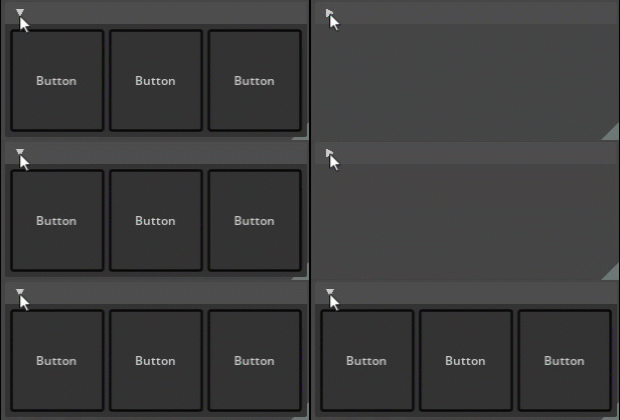
Collapsible Frame#
A Frame container allowing a tab-like collapse feature.
HStack#
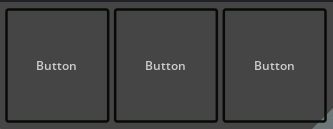
An HStack organizes nested Widgets horizontally, into columns. Stacks can be nested to create more complex layouts.
VStack#
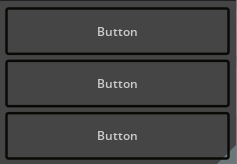
A VStack organizes nested Widgets vertically, into rows. Stacks can be nested to create more complex layouts.
ZStack#
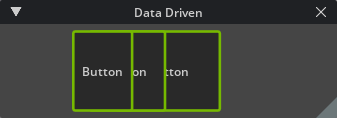
A ZStack organizes nested Widgets according to from back to front in the rendered Windows and Frames.
Placers#
The Placer places a single Widget in a particular position based on the offsets specified in the properties.
