


Version Control#
Version Control is provided by the Nucleus Server. Omniverse USD Composer and other clients provide functionality around this feature when a Nucleus Server is used.
The below functionality is not available for directory items outside of a Nucleus Server location.
Checkpoints#
Checkpoints are immutable historical file versions. These are listed and used throughout clients in various ways.
Checkpoint Creation#
One goal of version control is to provide historical file versions for most file actions. Those file versions are called Checkpoints. When a file is created, saved, uploaded, copied and so on - a checkpoint is created.
Checkpoints are not created automatically in Live Sync mode because of how rapidly the file content is changed. Only the head revision file is updated in this mode. It is recommended that you save files before starting Live Sync.
Checkpoint Restore#
Checkpoints can be used to restore a previous state. When a mistake has been made use the checkpoint Restore command.
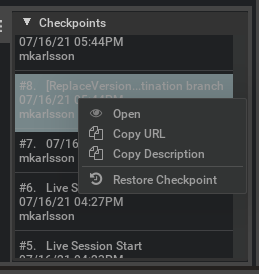
Example from Create 2021.3.0#
The act of restoring a checkpoint also creates a checkpoint - keeping the historical record clear.
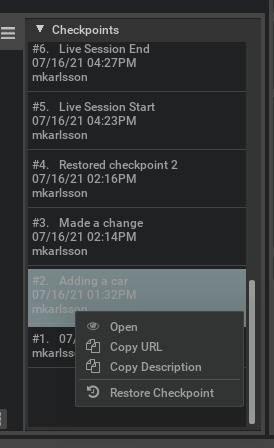
Example from Create 2021.3.0#
Content Browser#
The Checkpoint List can be toggled in the Content Browser settings menu using Show Checkpoints.
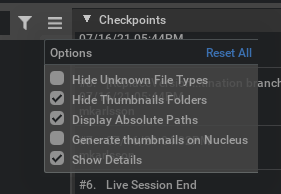
Example from Create 2021.3.0#
Checkpoints are listed for a selected file. The top item in the list is the most recent version of the file - the head revision - which is not a checkpoint.
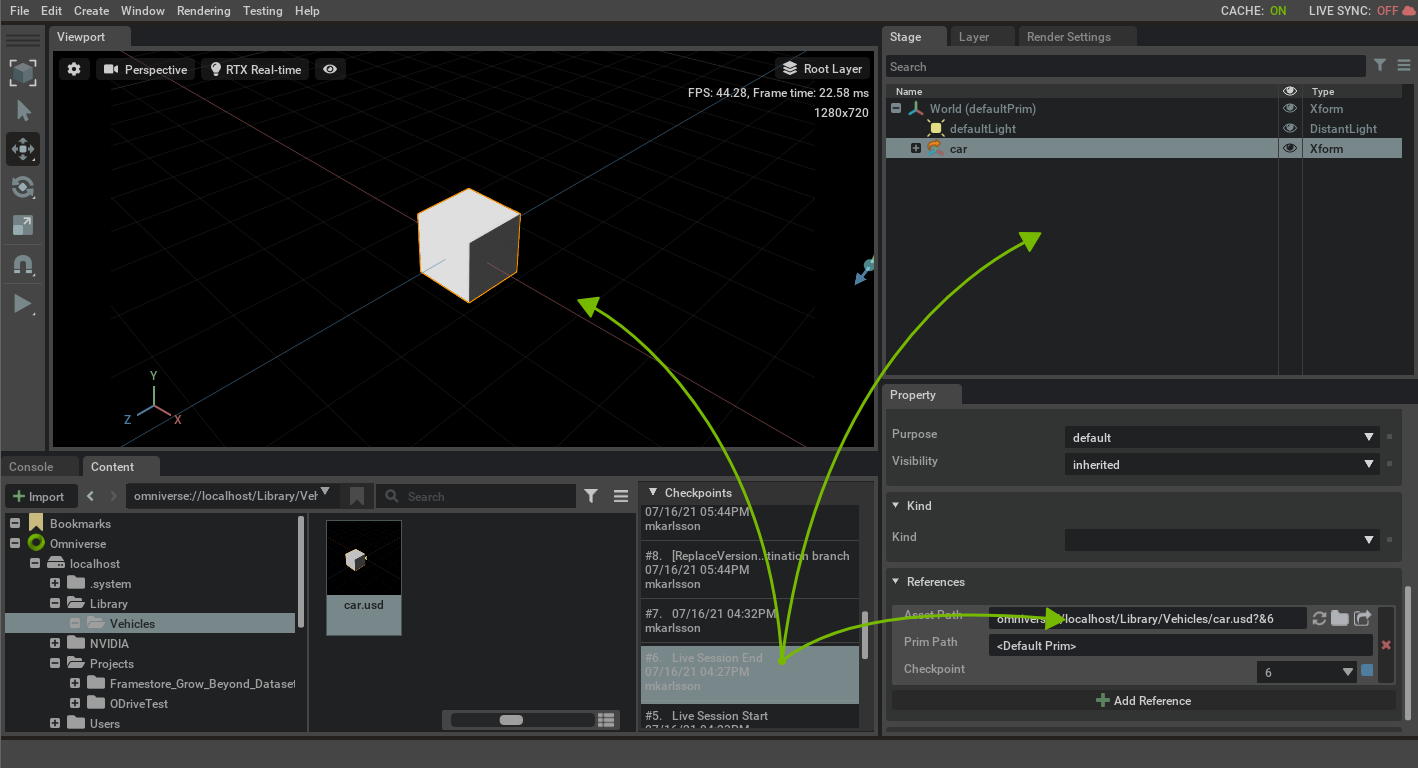
Example from Create 2021.3.0#
Files can be drag-n-dropped from the checkpoint list into the Viewport, Stage Pane, and Layer Pane. They can also be drag-n-dropped into the Property Pane for file references.
Property Pane#
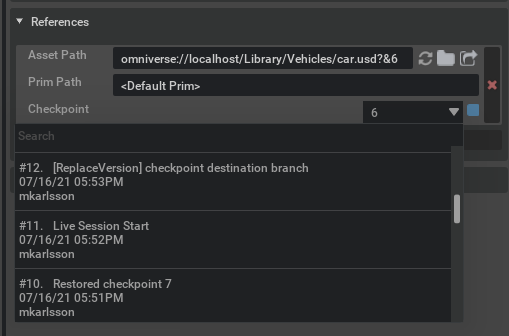
Checkpoints can be referenced.
Fields that reference a file has a Checkpoint selector if there are checkpoints available. Select an item from the list and it will be loaded.
To not reference a checkpoint - select the top head revision item.
Example from Create 2021.3.0#
Dialogs for Saving/Exporting Files#
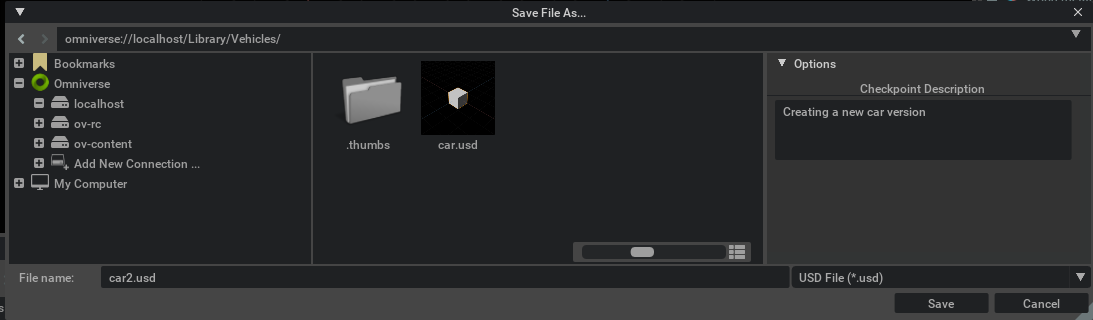
Since checkpoints are immutable there is no checkpoint listing in dialogs for saving or otherwise writing files. A checkpoint cannot be saved - it is created by a Nucleus Server.
A Checkpoint Description can be added in the Options pane. This description will be used in checkpoint listings.
Example from Create 2021.3.0#
Dialogs for Opening/Referencing Files#
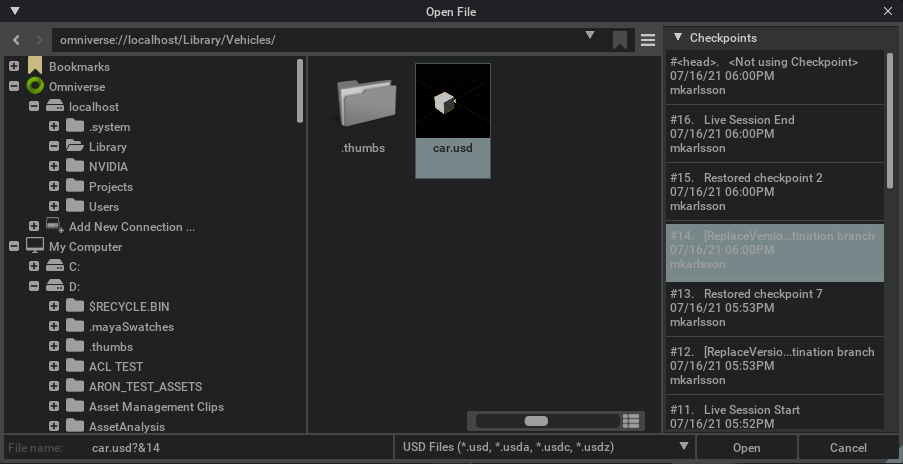
Checkpoints are immutable but can still be opened, referenced and viewed in applications like any other file.
Example from Create 2021.3.0#