


Creating a NavMesh#
NavMesh is a ground-based system and needs one or more meshes that represent a traversable area to build upon. It can build off of simple geometry or a custom polygon mesh.
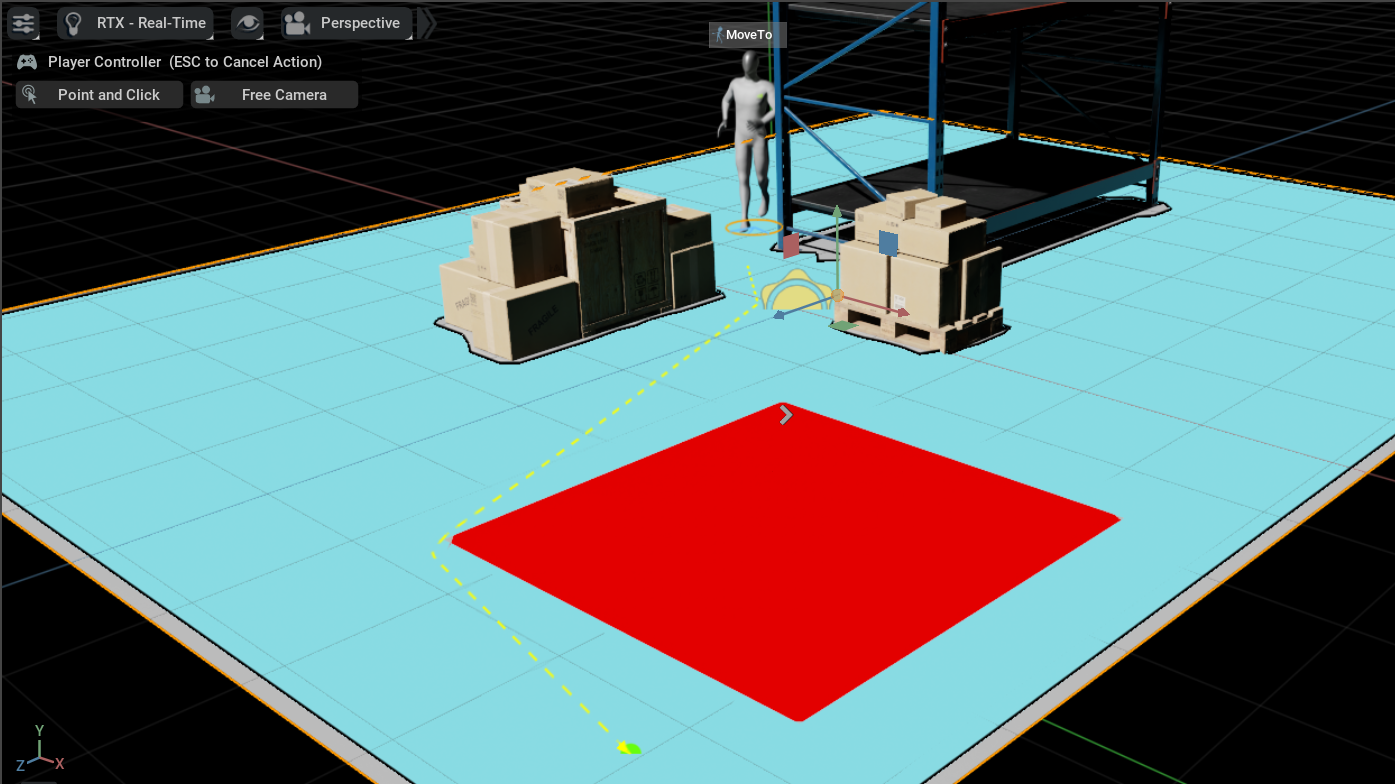
After the meshes are in the scene, generate a NavMesh by creating a new volume using Create > Navigation > NavMesh Include Volume. A new NavMesh volume is created and the NavMesh is built automatically on the ground.
A navigation volume with an include type gathers all mesh geometry within the axis-aligned volume area to contribute towards the walkable ground areas.
A navigation volume with an exclude type is used to exclude large geometry sets that are not part of any include volumes, and are also used for clipping the output NavMesh surfaces.
NavMesh Settings#
There are two ways to access the NavMesh settings and baking.
The Window > Navigation > NavMesh menu item.
Select any
NavMeshVolumeprim in the stage, and in the Property panel, go to the NavMesh section. Click Edit NavMesh.
Common Settings |
Result |
|---|---|
Bake/Cancel |
Builds or cancels building the NavMesh. |
Auto Rebake |
Default Off. If enabled, the NavMesh rebuilds after every stage update. WARNING: This can be computationally expensive with large and complex scenes. |
Auto Rebake Delay |
The time in seconds it takes for the NavMesh to trigger a rebuild after the scene has changed. This is good to use for large and complex scenes. |
Edit Preferences |
Menu option to open the Navigation section of the Preferences window. |
Restore Defaults |
Menu option to restore the NavMesh default settings. |
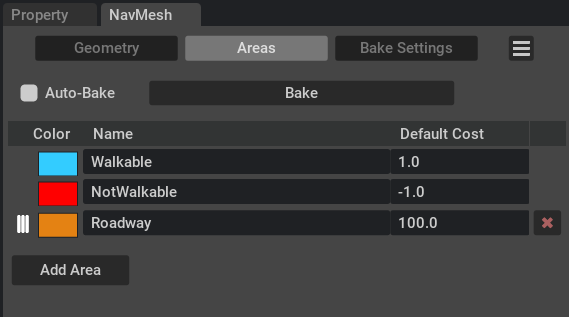
NavMesh Settings#
Setting |
Result |
|---|---|
Agent Min Height |
The height of the agent size in scene units. The NavMesh builds only in areas where the agent height fits. |
Agent Radius |
The radius of the agent size in scene units. The NavMesh builds a buffer area against objects so the agent cannot get too close and collide. |
Voxel Ceiling |
Sets the maximum difference in height between any two walkable areas stacked on top of each other. If this value is too low, certain areas may become unreachable, but larger values reduce vertical fidelity. |
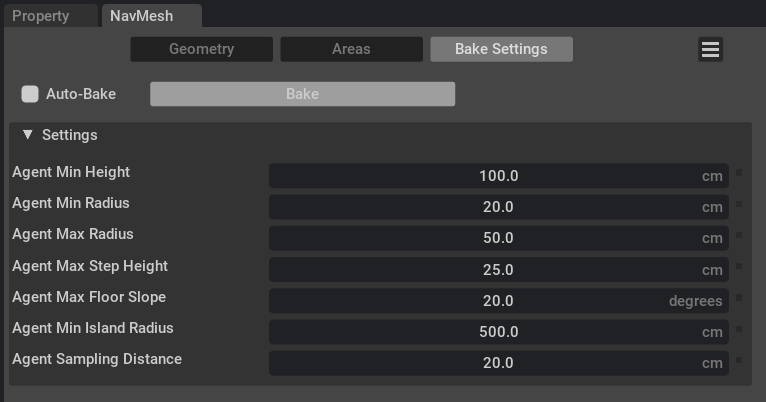
NavMesh Settings - Bake Settings#
Bake Settings |
Result |
|---|---|
Agent Min Height |
The minimum height of the agent in scene units. The NavMesh builds only in areas where the agent fits. |
Agent Min Radius |
The minimum radius of the agent in scene units. The NavMesh builds only in areas where the agent fits. |
Agent Max Radius |
The maximum radius of the agent in scene units. The NavMesh builds only in areas where the agent fits. |
Agent Max Step Height |
The maximum step height of the agent in scene units. The NavMesh builds only in areas where the agent can step between. |
Agent Max Floor Slope |
The maximum floor slope angle in degrees. The NavMesh builds only in areas where the agent can walk up a slope. |
Agent Min Island Radius |
The minimal radius that an agent can walk on an island. The NavMesh builds one or more islands of connected geometry with a min radius. |
Agent Sampling Distance |
The sampling distance used to bake the NavMesh polygons and affects the fidelity when computing the shortest A* path across the edges. |
For volume and area options, refer to NavMesh Volumes.