


Viewport Preferences#
With the Preferences panel, you control the layout of the Viewport toolbar:
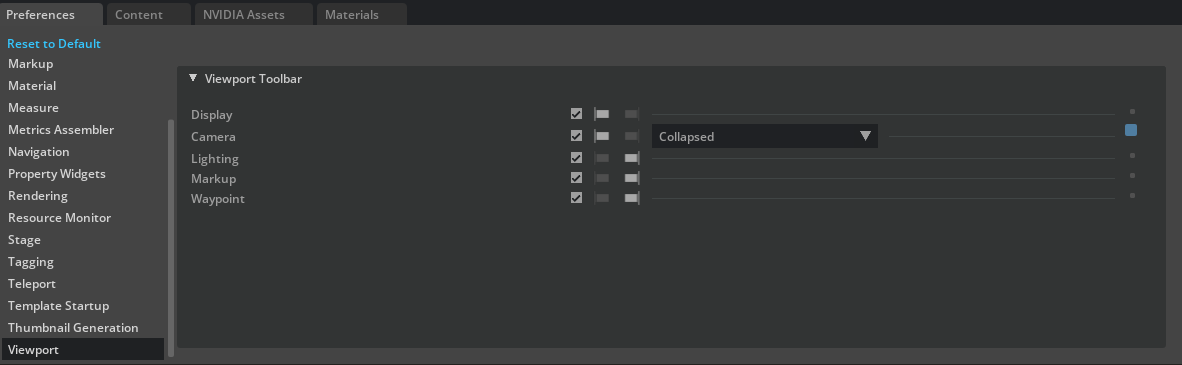
Reference Number |
Option |
Result |
|---|---|---|
1 |
Visibility Toggle |
Hides or shows the toolbar item |
2 |
Alignment |
Aligns the item on the left or right side of the toolbar |
3 |
Expanded State |
Expands or collapses the Camera menu |
4 |
Modified |
Indicates whether or not the option has been modified (Uncheck this box to restore the option’s default state.) |
You can also click and drag an option to change its position in the toolbar.