
Create Sources#
Sources are authorable Universal Scene Description (USD) helpers. They do not read or process scientific data themselves, and they do not re-execute when the stage reloads. Create them from a prim’s context menu with Create > CAE Sources. The available entries depend on the selected prim.
Bounding Box#
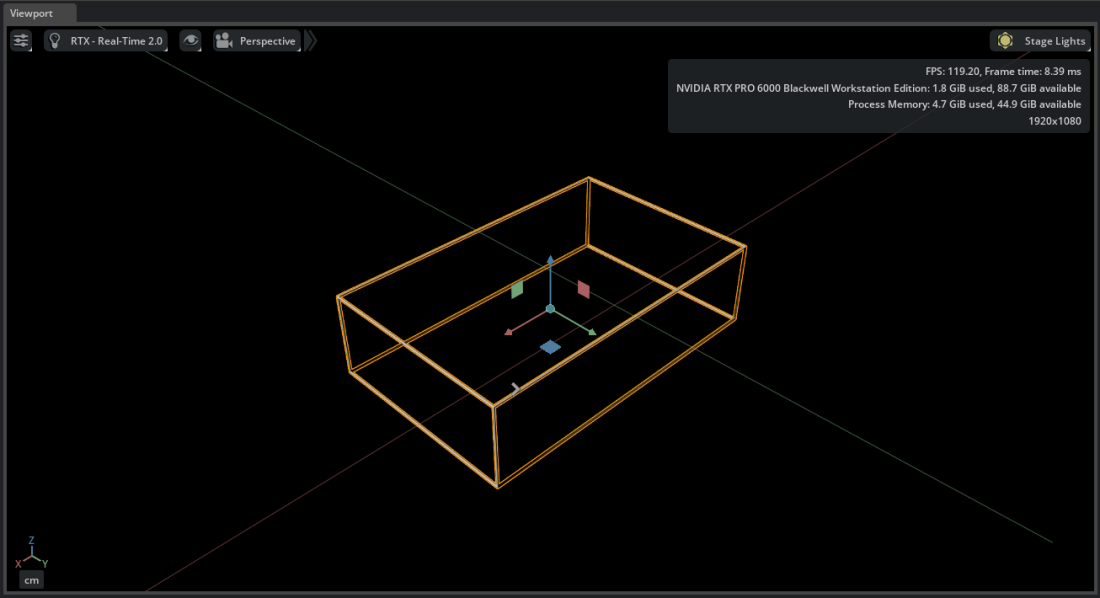
A Bounding Box captures the spatial extent of one or more selected datasets. Use it as a visual reference or as a region of interest (ROI) for operators.
Select one or more dataset prims.
Right-click and select Create > CAE Sources > Bounding Box.
Press F to frame the result.
The new box is a standalone USD prim under /World/CAE. Rename, translate, or scale it to define the region that an operator should process. Moving a connected ROI automatically re-executes the dependent operator.
Unit Sphere#
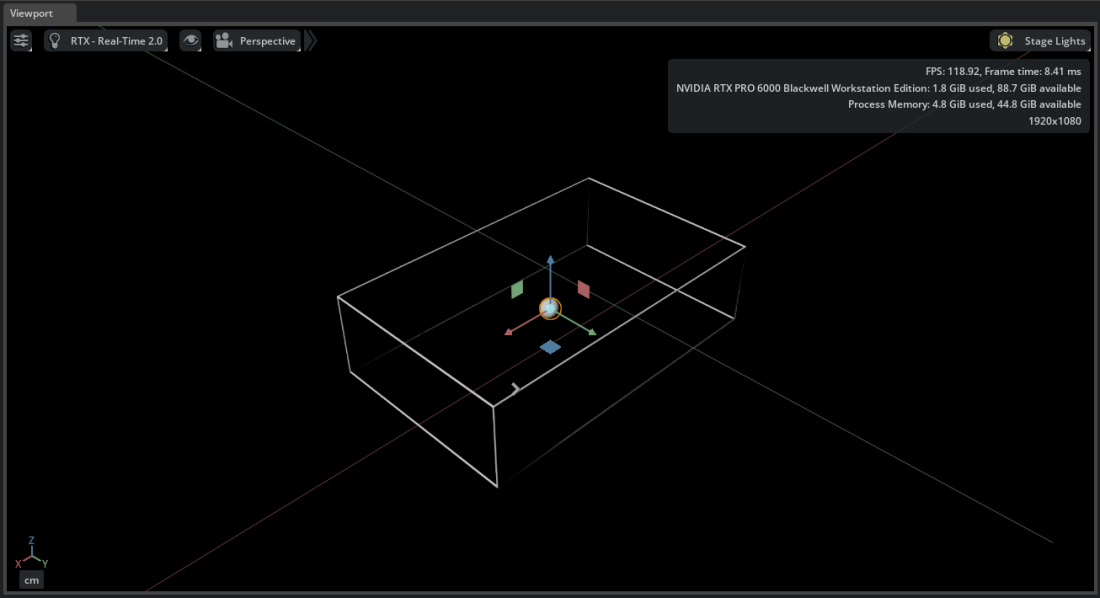
A Unit Sphere provides seed points for Streamlines and Flow emitters.
Select a dataset or Bounding Box whose bounds should size and place the sphere.
Right-click and select Create > CAE Sources > Unit Sphere.
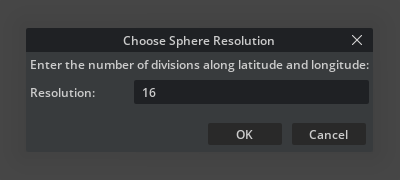
In Choose Sphere Resolution, enter the number of latitude and longitude divisions. The default is
16.
Each sphere vertex becomes a seed. Move and scale the sphere to control the starting region. Other geometry can also serve as a seed source when selected in an operator’s Seeds relationship.
Colormap#
A Colormap is a reusable color and opacity ramp stored in the stage.
Right-click in the Stage panel and select Create > CAE Sources > Colormap.
Edit its Domain, Domain Boundary Mode, and color and opacity control points in the Properties panel.
Right-click the Colormap and select Copy Color LUT Texture URL or Copy Opacity LUT Texture URL. Paste that URL into the corresponding lut or opacity_lut input on a surface operator’s Shader.
Try It: Create a Bounding Box and Unit Sphere#
Continue from Try It: Explore the Vehicle Dataset.
Select the nested volume dataset at
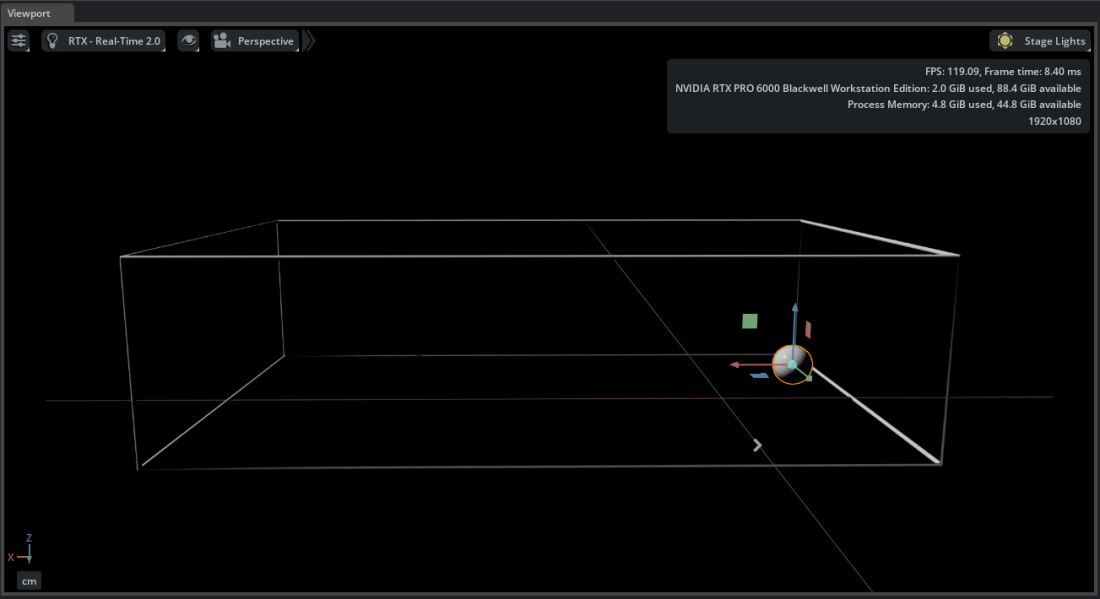
Base > Fluid_Domain > Fluid_Domain.Right-click and select Create > CAE Sources > Bounding Box. A
BoundingBox_Fluid_Domainprim appears under/World/CAE.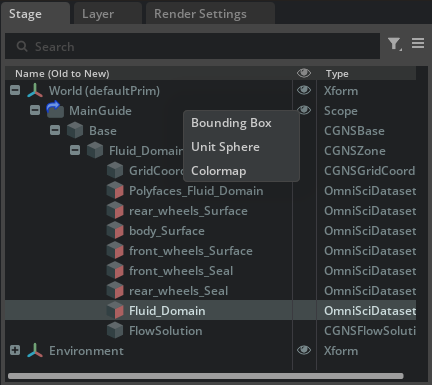
Press F to frame the Bounding Box.
Select the Bounding Box, then right-click and select Create > CAE Sources > Unit Sphere. Accept the default resolution.
Move the sphere toward the inlet side of the Bounding Box. This sphere becomes the seed source for Streamlines in the next section.