


Flow Visualization#
CAE Flow uses NVIDIA Omniverse™ Flow to animate particles and combustion-style effects from scientific fields. Use it for qualitative motion and presentation. Use Streamlines when you need paths integrated directly through a velocity field.
Flow Environment#
The Environment defines the Flow simulation domain.
Right-click a dataset and select Create > CAE Flow > Environment.
Select a Flow layer. Layer
0is appropriate for a first simulation.
Fuel Injector (Sphere)#
Fuel Injector (Sphere) emits Flow fuel from a transformable sphere.
Right-click in the Stage panel and select Create > CAE Flow > Fuel Injector (Sphere).
Position and scale the sphere within the Environment.
Dataset Injector#
Dataset Injector voxelizes a scientific dataset and transfers selected fields into Flow.
Right-click a dataset and select Create > CAE Flow > Dataset Injector.
Under Velocities [Field Selection], add a vector field or its scalar components with Add Field.
Optionally add a scalar temperature field under Temperatures [Field Selection].
Use Dataset [Voxelization] to adjust Max Resolution, Region-of-interest (ROI), and Inflate Bounds (%).
Increase Inflate Bounds (%) when the Flow simulation needs space beyond the source dataset. The default is suitable for an initial result.
Boundary#
Use Create > CAE Flow > Boundary to add a collision or boundary surface to an existing Flow simulation.
Start the Simulation#
Select Play on the timeline to run the Flow simulation. Moving an injector changes where new particles enter the simulation.
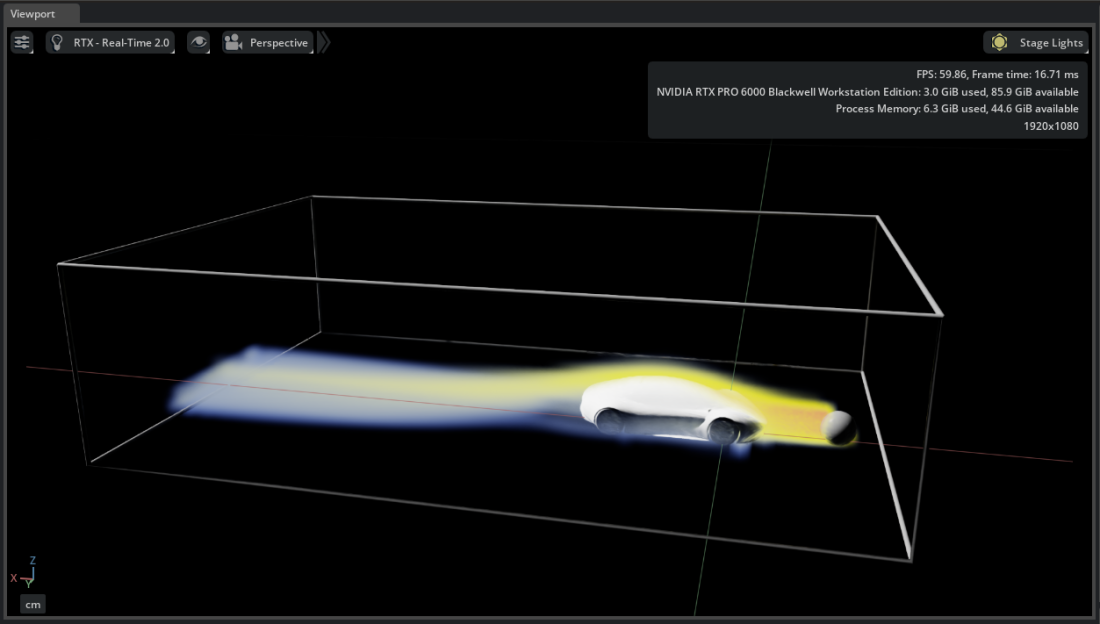
Try It: Animate Flow Around the Vehicle#
Continue from Try It: Tune the Color Mapping.
Hide the previous operators except the Faces representations of the vehicle.
Right-click
Fluid_Domainand select Create > CAE Flow > Environment. Select layer0.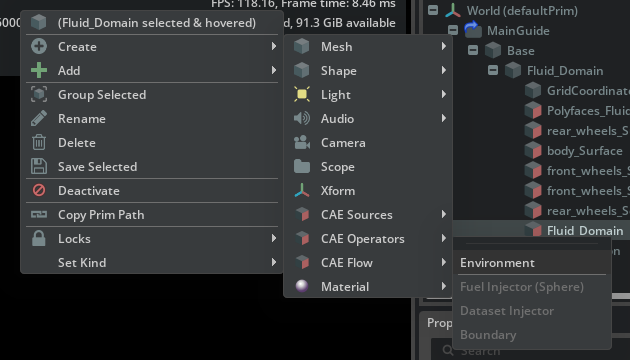
Right-click
Fluid_Domainand select Create > CAE Flow > Fuel Injector (Sphere).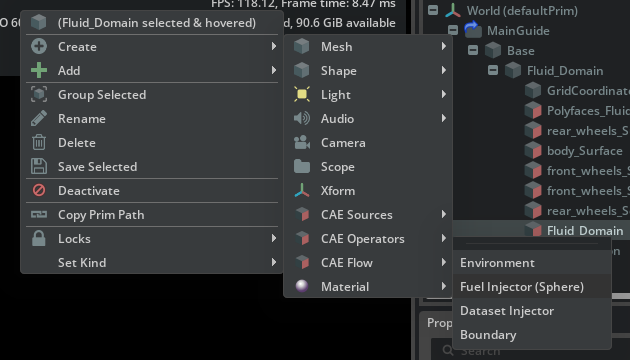
Position the sphere near the inlet side of the vehicle.
Right-click
Fluid_Domainand select Create > CAE Flow > Dataset Injector.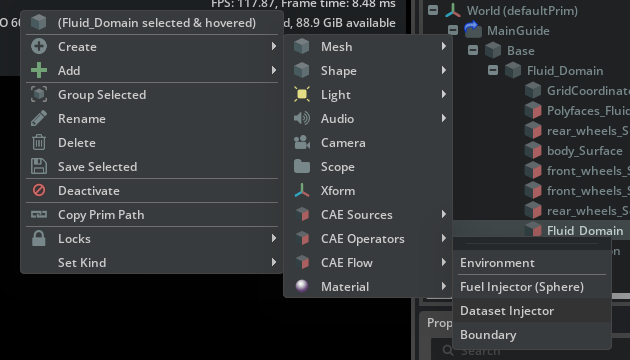
Select the Dataset Injector. Under Dataset [Voxelization], set Inflate Bounds (%) to
100. This gives the Flow simulation room beyond the source-data bounds.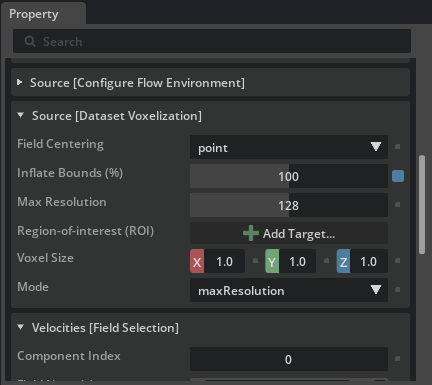
Under Velocities [Field Selection], add
Velocity_0,Velocity_1, andVelocity_2with Add Field. Leave Mode set tounchangedso the components form the velocity vector.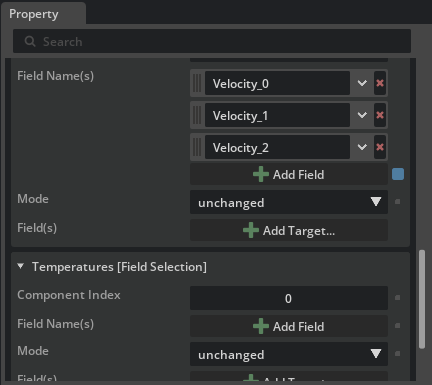
Select Play
 on the timeline.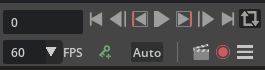
Move the fuel-injector sphere to explore another emission region.