
Extras & Supplements#
Overview#
This section contains additional Observability documentation for specific use cases.
How do I correlate an NVCF Function ID to the name of an application?
Download and install Postman, which is a unified platform for designing, testing, and monitoring APIs.
Download the NVCF Postman Collection.
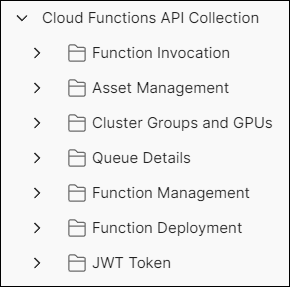
Within Postman, use an existing workspace or create a new one, and then import the NVCF Postman Collection file that was downloaded during the previous step. This will display the Cloud Functions API Collection within the workspace as shown below:
Ensure the Cloud Functions API Collection is selected, then click the Auth tab on the right. Keep the Auth Type as the default
Bearer Token, and paste your NGC API key into the Token field as shown below: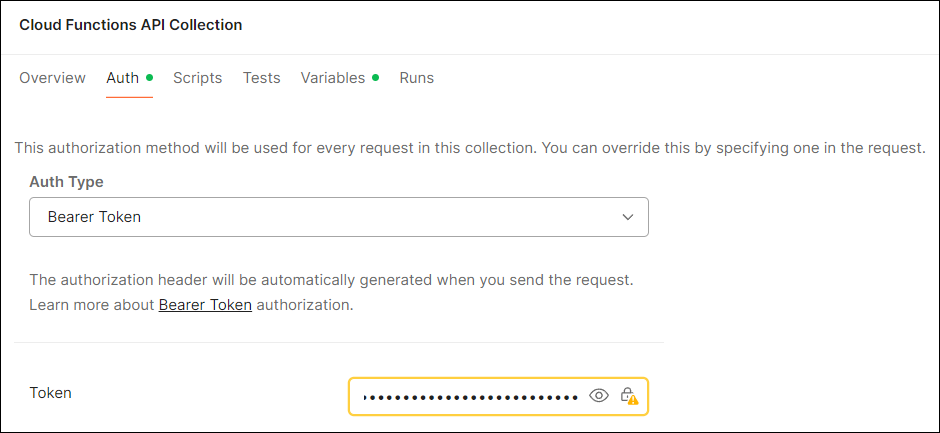
Note
For additional information on generating NGC API Keys, see the NGC API Key documentation.
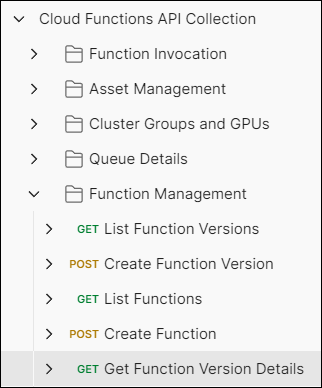
Expand Cloud Functions API Collection, then expand Function Management and click Get Function Version Details:
The right side of the window should now display this interface:
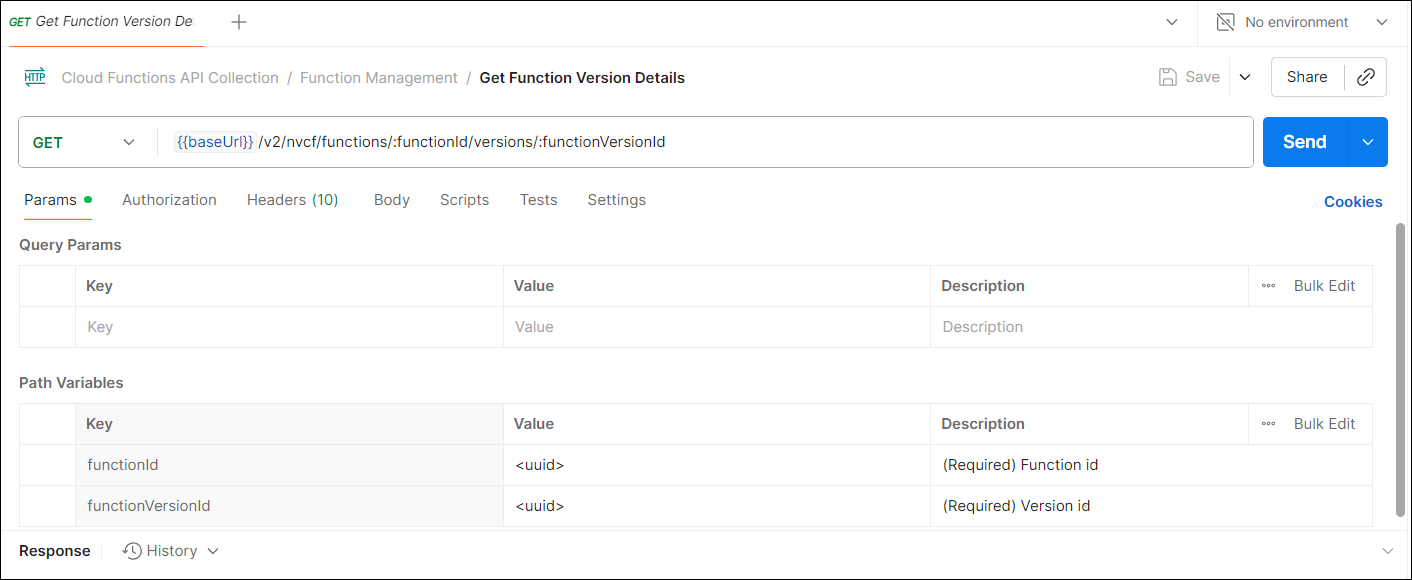
Paste the
functionIdandfunctionVersionIdvalues for the function in question into the appropriate fields under the Path Variables section, then click Send to submit the query.In the body output, the
nameof the function will be displayed as in the sample below:
{
"function": {
    "id": "bb1caa76-6919-4285-b54a-sample",
    "ncaId": "samplegu2Al6LXOZ7fB4fww0mYRUgsample",
    "versionId": "6d0c0fb2-386e-4fa7-bb65-sample",
    "name": "my_kit_application",
    "status": "ACTIVE"