


Tabs#
Tabbed windows can be docked anywhere in the user interface (UI)
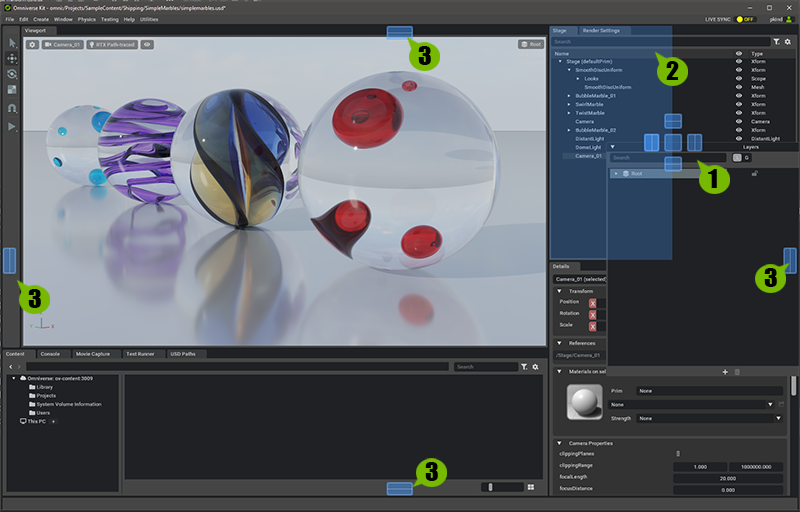
Panel Being Dragged (See Note Below)
Panels Original location
Acceptable Docking Location(s)
Note
A tab can be “torn-off” and moved to another panel or window by click-hold-drag on the tabs title-bar and dragging it to another location or UI pane.
OS Tabs#
Certain tabs in the interface can be detached from the main window which can be useful on multiple monitors and wide aspect ratio monitors.
To Detach a Tabbed panel follow the below procedure.
Right Clickon aTabto invoke theMove to New OS Windowoption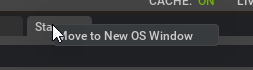
Left ClickSelectMove to OS Windowaction.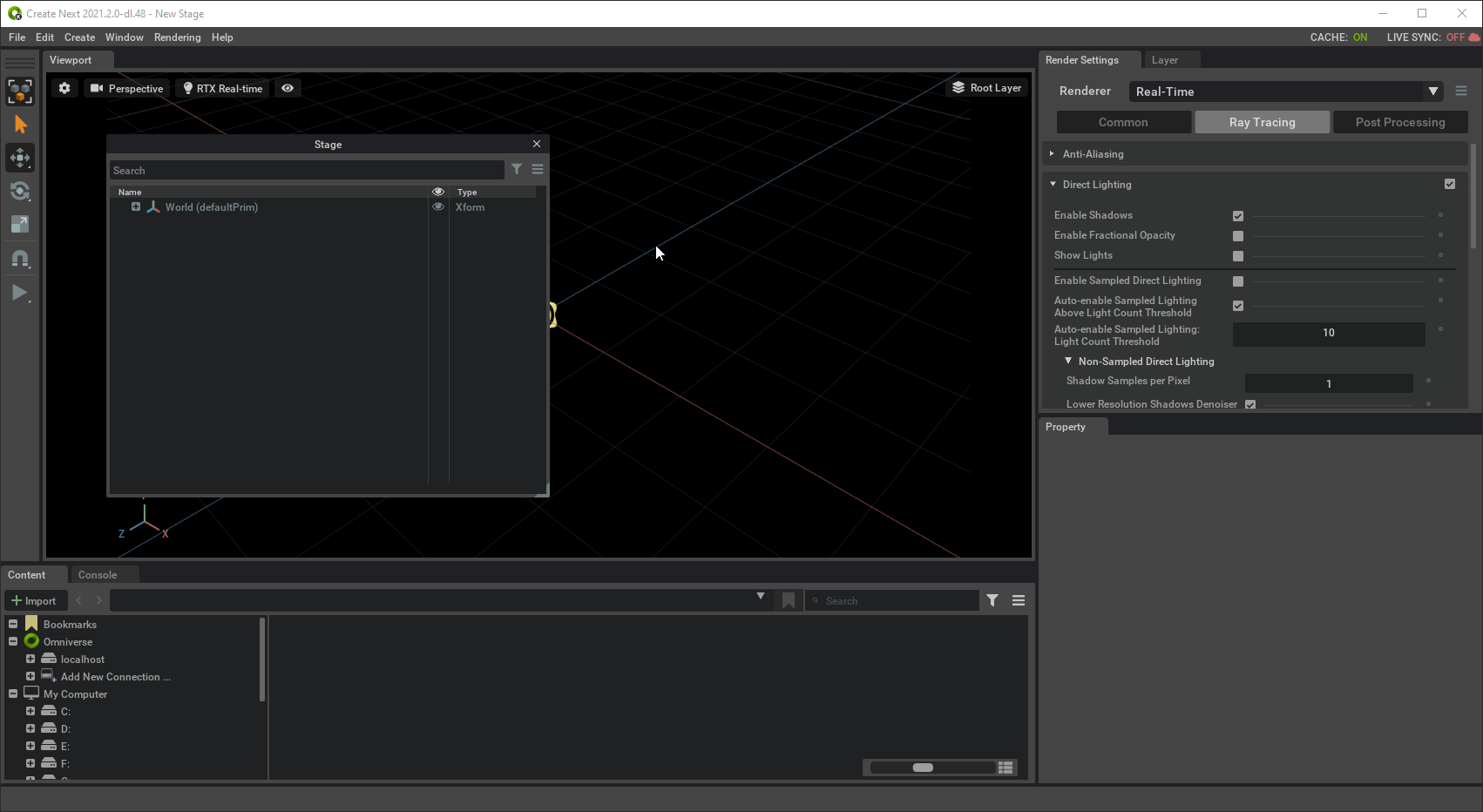
Position the window wherever you wish by
Left-Click+ Dragging.