

Launcher Cleanup Tool#
Important
As of October 2025, the Omniverse Launcher has been deprecated and is no longer available. To cleanly remove all components and software from the Launcher prior to uninstalling it, follow the steps on this page.
Download the Launcher Cleanup Tool#
The tool is available for both Windows and Linux platforms. It is also compatible with both the Workstation and IT Managed Launcher.
Tool Usage#
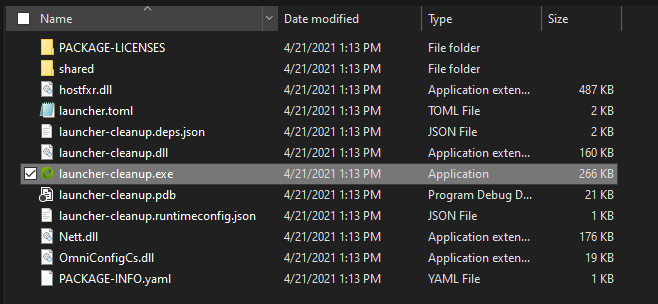
Once the archive is extracted, double-click launcher-cleanup.exe to begin the process. While the Windows version of the tool is shown below, these instructions can be adapted for the Linux version.
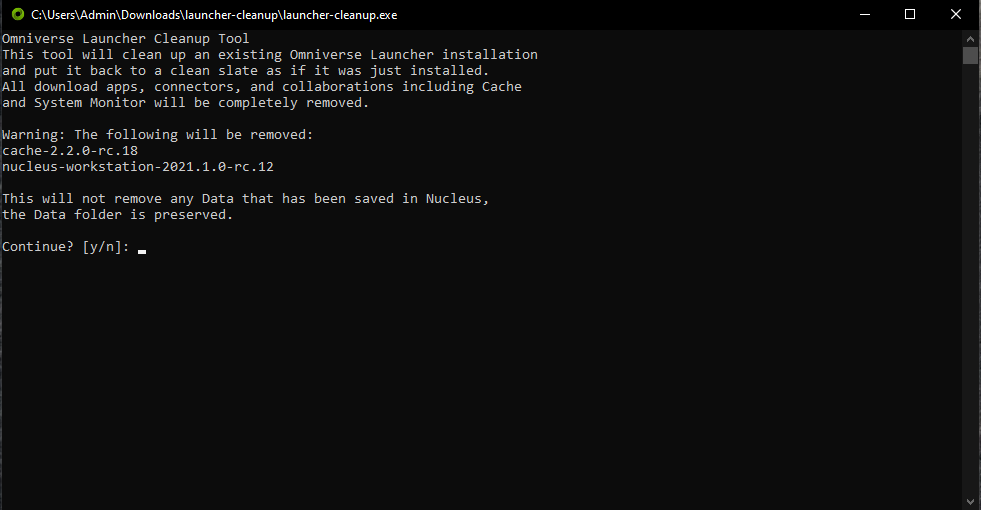
The tool will scan your system and present you with a list of everything that has been installed by the Launcher. Type Y, then Enter to continue.
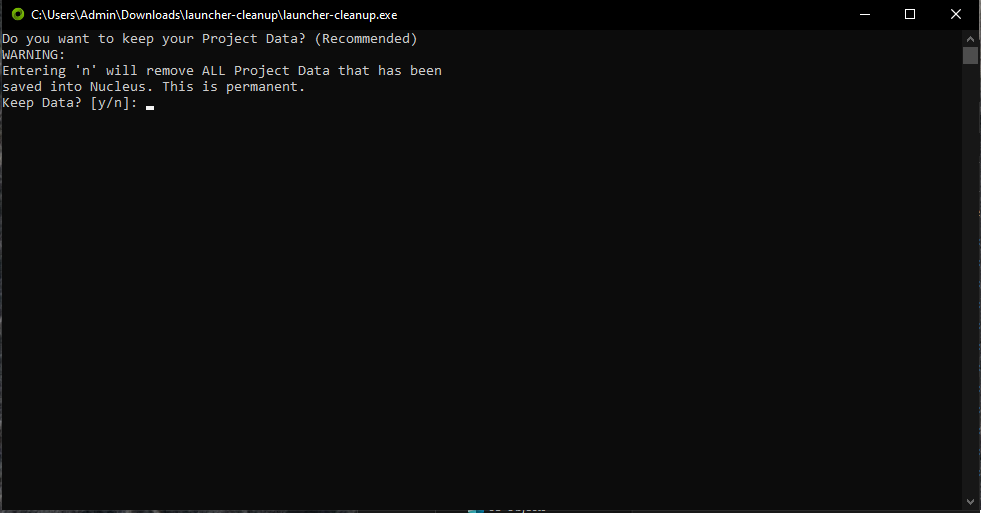
The next screen will ask if you want to keep your data. Type Y, then Enter to keep all of your data; to delete your data, type N, then Enter
The cleanup tool will attempt to run the uninstall steps for each application, then will remove the entire Library folder, all log files, and all Launcher configuration files.
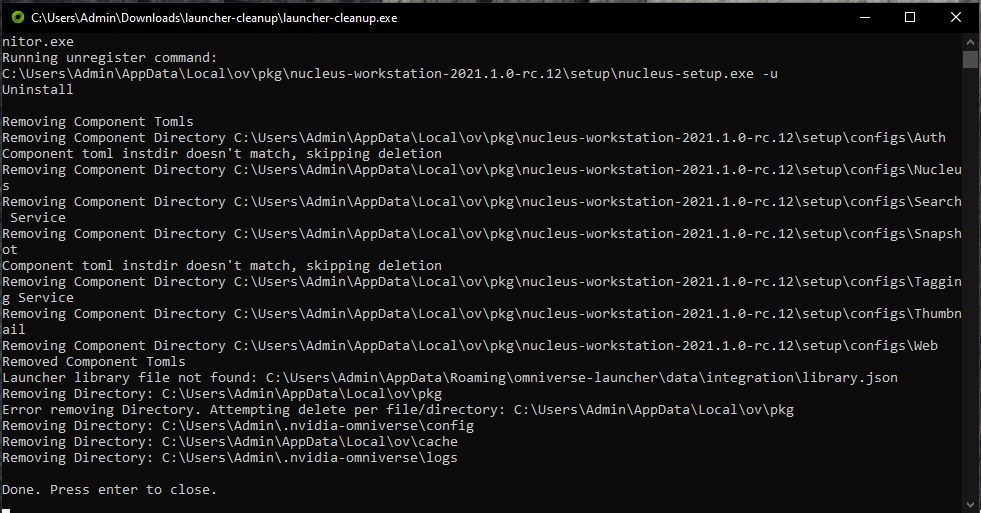
The Launcher should now be returned to its initial state.