

Installing the RTX Remix Toolkit#
The RTX Remix Toolkit includes everything you need to create your own RTX Remix mods, including a build of the RTX Remix Runtime. Here’s how to install it:
Tip
To find the installation directory of the RTX Remix Toolkit, see the How can I locate the RTX Remix Toolkit Installation Folder? section.
Install from the NVIDIA App#
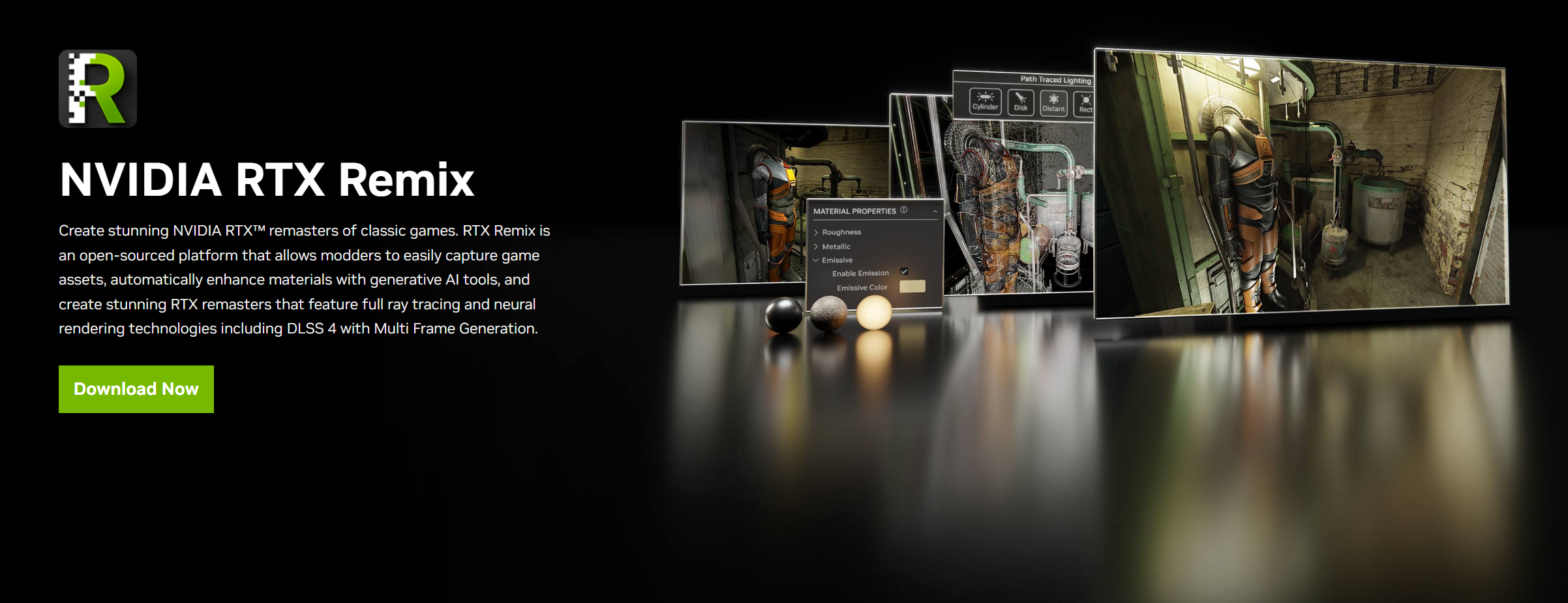
Go to the RTX Remix website.
Follow the instructions to download and install the NVIDIA App.
Open the NVIDIA App and install
RTX Remix.
Install from GitHub#
For access to the latest, potentially unstable features, you can install the RTX Remix Toolkit from GitHub.
Download a Prebuilt Development Package#
Sign in to GitHub.
Open the Download RTX Remix Toolkit Package runs.
Open the newest run with a green check mark whose artifact is named
rtx_remix@...+main...windows-x86_64.release.Under Artifacts on the run’s Summary page, click the artifact to download it as a ZIP.
Extract the ZIP to a short path, such as
C:\rtx_remix. The default folder name is long and can hit Windows path-length limits.Optional: run
install.batonce from the extracted folder to warm up the apps before the first launch.Run
lightspeed.app.trex.batfrom the extracted folder to start the Toolkit.
Build from Source#
Clone the following repository
Follow the Build Instructions in the README.
Need to leave feedback about the RTX Remix Documentation? Click here